What to store (and what to avoid) in online notes
Published on October 14, 2026
Online notes are handy, but not everything should go in them. This guide helps you decide what to store and how to protect yourself.
Understand how a note is accessed
In a service with no login, like AnotPad, the address is the key: anyone who knows or guesses the address of a note can open it. That is why the golden rule is to store only what you would not mind another person reading.
Good to store
- Shopping lists, tasks and reading lists.
- Drafts and ideas.
- Itineraries, recipes and study notes.
- Pieces of text you need to move from one device to another.
Avoid storing
- Passwords, recovery codes and access keys.
- Card numbers, bank details and personal documents.
- Health information and other people’s data.
- Anything that would cause harm if exposed.
Good practices
- Choose long, hard-to-guess names for notes that are not public. "notes" is easy to guess; "notes-8f3k-tulip" is not.
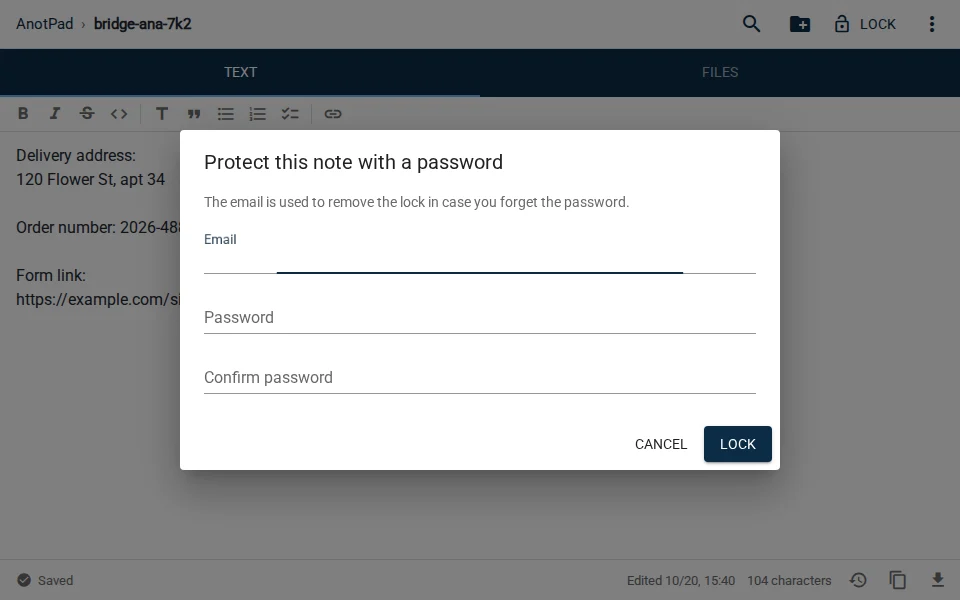
- Use password locking as an extra barrier, without trusting it as a safe, and never reuse a password you use on other services.
- Share the address only with those who need it and delete the note when you are done.
- Keep a copy of what matters somewhere else. Deleting a note is permanent.
What happens if someone finds the address
Whoever finds the address of a note can read, change or delete the content. There is nothing to break into: they just type the address. That is why simple, common addresses, such as "passwords" or "notes", are risky, while long, random names make it much harder for someone to land on them by chance.
A quick checklist before you write
- If someone else read this, would there be any harm to me or anyone else?
- Is the note name hard to guess?
- Do I really need to store this here, or is there a more suitable place?
- Do I have a copy of this somewhere else, in case the note is changed or deleted?
- Can I delete this note already? The less time it exists, the lower the risk.
What if I need to store something important?
For passwords, use a password manager. For documents, use a storage service with an account and two-step verification. Keep the online notepad for what is practical and disposable, and you will get the best of both worlds.
Common questions
Can I use password locking to store sensitive data? No. Locking helps avoid casual access, but it is not strong protection and does not replace a password manager or a digital safe.
How long are notes kept? As long as you do not delete them. If you no longer need a note, delete it: its text, history and files are removed.
What if I realize I stored something I should not have? Delete the note right away and, if needed, change the password or the data that was exposed.
Read also
- How to send text from your phone to your computer without a cable or emailHow the usual methods compare, and a step-by-step that takes less than a minute.
- Shared shopping list: how to set up one the whole family actually usesA store-section template and a few simple house rules that make the list work.
- Class notes: how to organize them by subject and review for examsA folder per subject, a note template and a 15-minute review routine.