8 ideas for notes you open by link
Published on October 14, 2026
A note that opens from an address is more versatile than it looks. Here are eight situations where it helps.
The ideas
- Family shopping list: everyone opens the same address and sees the list updated instantly, at the store.
- Meeting notes: open the meeting note on your computer and continue on your phone on the way back.
- Moving text between devices: paste the text on one device and copy it on the other, with no email or messaging app.
- Trip itinerary: gather times, addresses and bookings in one note, with subfolders per city.
- Studying: one folder per course and one note per lecture, with search to find a concept later.
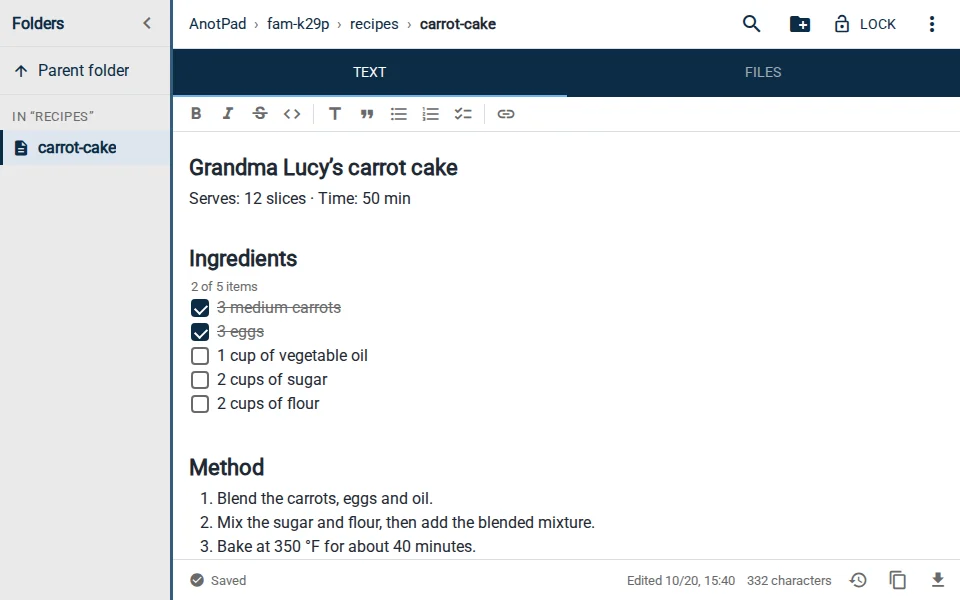
- Recipes: keep the family recipes, with photos attached, and share the read-only link.
- Event checklist: a task list that several people update while organizing a party or a move.
- Text drafts: write a long text bit by bit, with the history to go back to an earlier version.
Sharing
To show a note to someone without inviting them to edit, use the read-only link. Remember that it is just a view: choose names that are hard to guess and do not use open notes for sensitive information.
How to start in one minute
- Open the home page and type a name for the note, like shopping-list.
- Write the content. The text saves itself.
- Copy the address from the browser bar and send it to whoever will use it with you.
Example: organizing a birthday party
Create the folder ana-party with three notes: "guests", "shopping" and "tasks". Whoever is helping opens the notes on their phone and marks what is already done. When it is time to buy, the list is always up to date, with no repeated messages in group chats. After the party, just delete the notes.
Tips for shared lists
- Use one line per item and start each with a symbol, like "[ ]" for pending and "[x]" for done.
- Agree with the group who edits what, so nobody erases someone else’s work.
- If two people edit at the same time, AnotPad warns you and lets you choose which version to keep.
- For a list that should only be read, send the read-only link.
When not to use it
Avoid notes by link for any information that cannot be in plain sight of whoever discovers the address: passwords, bank details, documents and other people’s information.
Why a note by address works so well
The address is easy to remember, easy to send and works in any browser. There is nothing to install and nothing to teach whoever will use it with you. That cuts friction to a minimum: instead of agreeing on which app everyone will download, you send a link and the note is already there, updated in real time for everyone.
Another advantage is the simple history: with the last 2 versions kept, an accidental wipe stops being a problem, and you can keep editing with peace of mind.
Start from a ready-made template
Read also
- What to store (and what to avoid) in online notesBasic care to use notes by address without exposing information you should not.
- How to send text from your phone to your computer without a cable or emailHow the usual methods compare, and a step-by-step that takes less than a minute.
- Shared shopping list: how to set up one the whole family actually usesA store-section template and a few simple house rules that make the list work.