Online notepad or app: which one to choose?
Published on October 14, 2026
There are hundreds of note-taking apps. Still, many people just need a quick place to write. Here is how to decide.
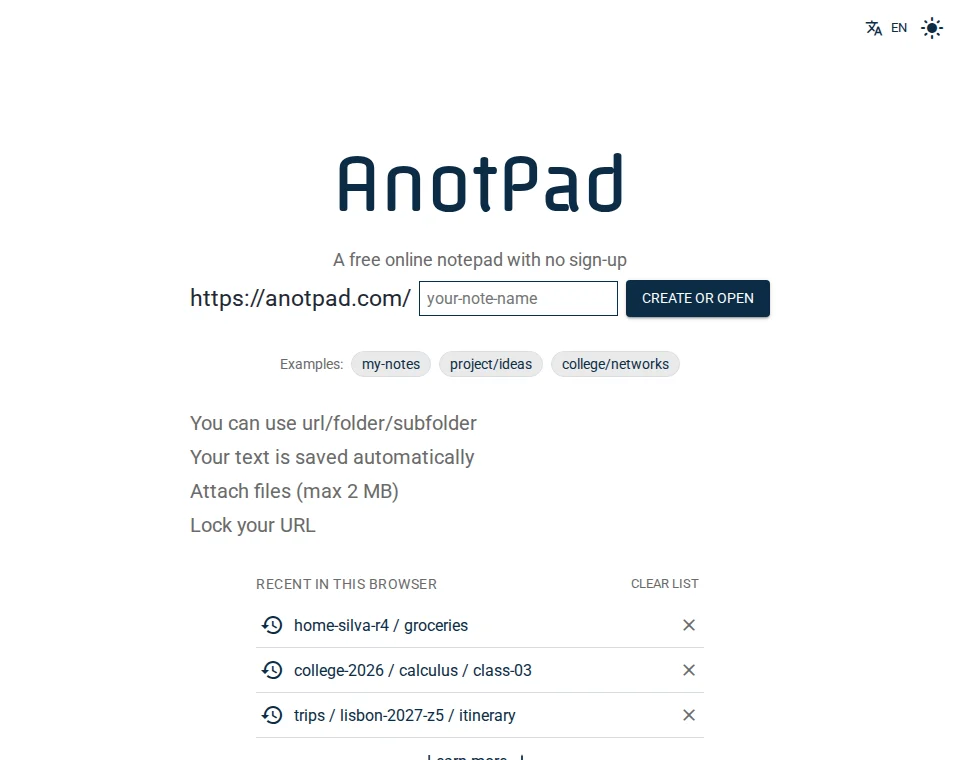
What an online notepad does well
- It starts right away: no installation, sign-up or setup.
- It works on any device with a browser, including borrowed or work computers where you cannot install anything.
- It is easy to share: anyone with the address opens the note.
- It keeps the text in sync between phone and computer.
What a full app does better
- It works offline, syncing later.
- It has rich formatting, tables, bullet lists, and calendar and email integration.
- It protects notes with accounts, encryption and control over who can view or edit.
- It offers advanced search, tags and reminders.
How to choose
If what you need is lists, drafts, quick notes and moving text between devices, an online notepad is the simplest tool. If you store important or sensitive information, often work offline or need advanced features, an app with an account and encryption is worth it.
Where AnotPad fits
AnotPad is an online notepad designed for speed: you pick a name and you are already writing. It has folders, attachments, a history of the last 2 versions and search, but it is not a safe: notes are open to anyone who knows the address, and password locking is a simple barrier. Use it for everyday things, and keep what is sensitive somewhere else.
Questions to decide
- Do I need to access my notes without internet? If so, prefer an app with offline mode.
- Is the content sensitive? If so, prefer an app with an account, a strong password and encryption.
- Will I share with other people? A shareable address is the simplest way.
- Do I need formatting, tables and large attachments? A full app serves you better.
- Will I use it on computers that are not mine? A page in the browser is the most practical option.
Common scenarios
| Situation | What usually works best |
|---|---|
Shared shopping list | Online notepad |
Moving text from phone to computer | Online notepad |
Personal diary | App with an account and password |
Work notes with client data | Corporate app with access control |
Quick draft during a meeting | Online notepad |
You can use both
You do not have to pick just one. Many people use an online notepad for what is quick and passing and a full app for what is important and lasting. The secret is knowing, before you write, which of the two categories the note falls into.
An everyday example
You are at the store and want to check the list your family put together at home. With an app, everyone would need the same program, an account and to have accepted an invitation. With an online notepad, you just open the address in your phone’s browser. For a diary or personal expense tracking, though, an app with an account is the safer choice. The right tool depends on what you are writing down.
Start from a ready-made template
Read also
- 8 ideas for notes you open by linkShared lists, meeting notes, recipes and other ways to use a note by address.
- What to store (and what to avoid) in online notesBasic care to use notes by address without exposing information you should not.
- How to send text from your phone to your computer without a cable or emailHow the usual methods compare, and a step-by-step that takes less than a minute.